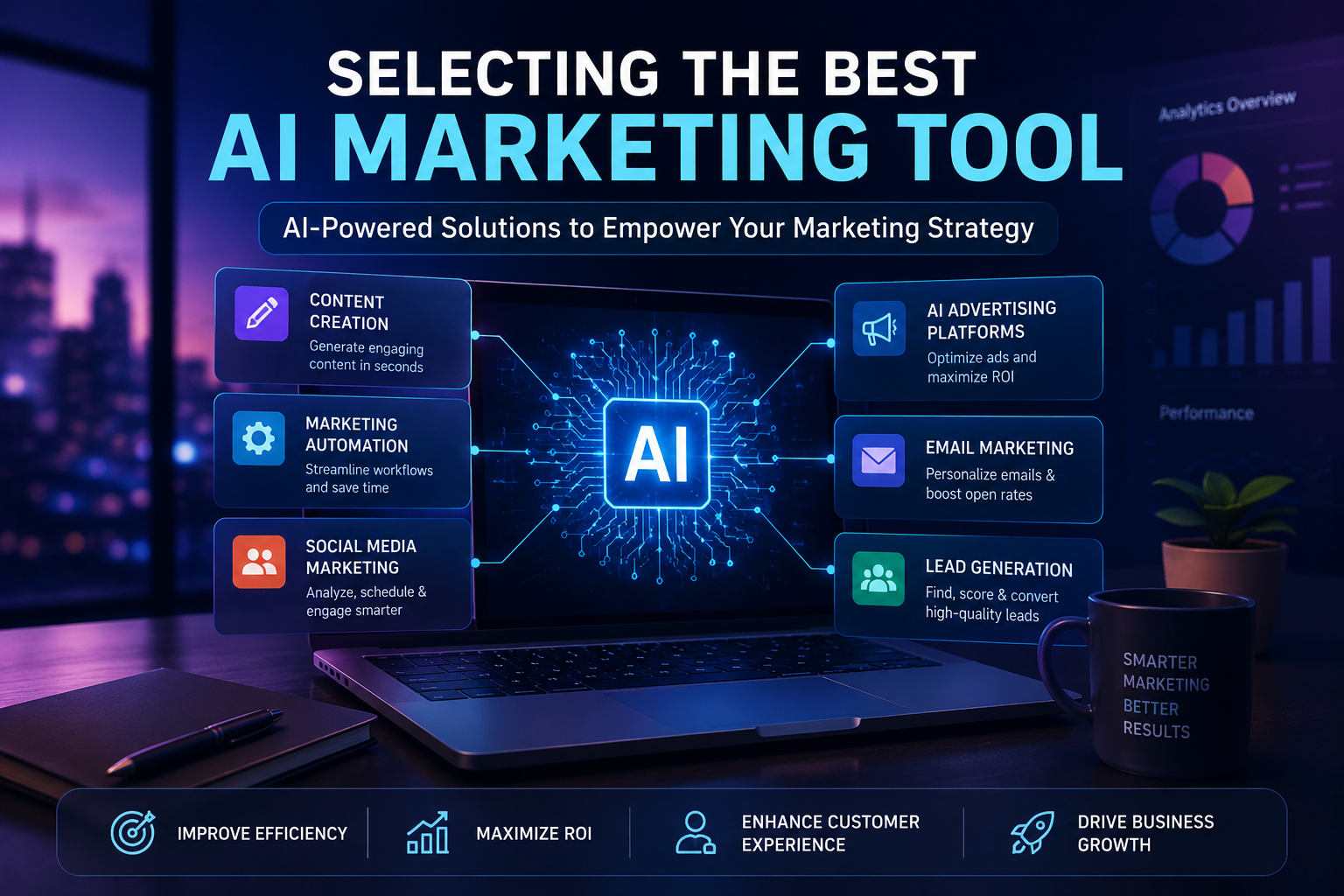



Email marketing tools for small business remains a cornerstone of direct customer engagement, offering a powerful channel for nurturing leads and building lasting relationships. These specific marketing tools for small business owners facilitate personalized communication at scale, allowing businesses to connect directly with their audience in a controlled environment. From initial outreach to ongoing customer loyalty programs, email platforms are indispensable for maintaining a consistent brand voice and driving conversions.
Key Email Marketing Platforms Comparison
| Platform | Best For | Standout Feature | Scalability Consideration |
| Mailer Lite | Clean UI & Startups | Drag-and-drop editor & landing pages | Cost scales gently as subscriber counts rise |
| Klaviyo | E-commerce Stores | Advanced event tracking & predictive analytics | Pricier tier upgrades as contact lists expand |
| Brevo (Sendinblue) | Multi-channel Messaging | Combined email and SMS transaction automation | Billed by send volume rather than total list size |
| ConvertKit (Kit) | Creators & Service Providers | Visual subscriber tagging and funnel building | Premium features require paid tier access |
Building and Segmenting Your Audience
Effective email marketing begins with a well-managed subscriber list. Email platforms provide robust features for collecting subscriber data through various touchpoints, such as website sign-up forms, pop-ups, and lead magnets. Crucially, these tools allow small businesses to segment their lists based on demographics, purchase history, engagement levels, and other behavioral data. This segmentation capability ensures that messages are highly relevant and tailored to specific customer groups, significantly increasing open rates and click-through rates compared to generic mass emails.
Practitioner Example: A boutique apparel retailer segmented subscribers into two groups: “First-Time Browsers” and “Repeat Shoppers (2+ orders).” By sending targeted restock alerts to the repeat group and an educational brand story to the first-time browsers, the campaign saw a 34% increase in click-through rates compared to their previous single-blast newsletter.
Automating Campaigns and Analyzing Performance
Automation is a key benefit of modern platforms. Small businesses can set up automated welcome series for new subscribers, promotional campaigns for specific product launches, and follow-up sequences based on customer actions. This automation saves considerable time and ensures timely communication. Furthermore, these platforms offer comprehensive analytics, allowing businesses to track critical metrics like open rates, click-through rates, conversion rates, and unsubscribe rates. Analyzing this performance data is vital for refining email strategies, optimizing content, and improving overall campaign effectiveness.
Technical Note: Essential Deliverability ProtocolsTo prevent emails from landing in spam folders and to satisfy requirements set by mailbox providers like Google and Yahoo, small businesses must configure three core DNS records:
- SPF (Sender Policy Framework): Verifies which mail servers are authorized to send emails on your domain’s behalf.
- DKIM (Domain Keys Identified Mail): Attaches a cryptographic signature to ensure messages are not altered during transit.
- DMARC (Domain-based Message Authentication, Reporting, and Conformance): Sets policies for handling unverified emails and provides reporting on spoofing attempts.
Increasing Reach with Social Media Management Solutions
A strong social media presence is non-negotiable for most marketing Tools for Small Business seeking to connect with their audience and expand their brand visibility. Managing multiple social media channels, however, can be time-consuming and complex. Dedicated social media management marketing tools for small business simplify this process, enabling businesses to efficiently handle their online communities and content distribution.
Social Media Management Tool Landscape
| Tool | Core Strength | Ideal Business Profile |
| Buffer | Simplified scheduling & clean interface | Solo entrepreneurs & early-stage teams |
| Later | Visual grid planning & multi-platform staging | Visual brands, retail, and Instagram-first creators |
| Metricool | In-depth analytics, planning, and competitor tracking | Multi-channel businesses seeking detailed reporting |
| Sprout Social | Deep social listening & collaborative inbox | Growing businesses with dedicated support reps |
Efficient Content Scheduling and Publishing
Social media tools provide a centralized dashboard for planning, scheduling, and publishing content across various platforms, including Facebook, Instagram, Twitter, and LinkedIn. This functionality allows businesses to maintain a consistent posting schedule without needing to log into each platform individually. By scheduling posts in advance, small businesses can ensure a steady flow of engaging content, respond to real-time events, and free up valuable time for other operational tasks.
Monitoring Engagement and Trends
Beyond publishing, these tools are essential for monitoring social media activity. They allow businesses to track mentions of their brand, respond to comments and messages promptly, and engage with their audience effectively. Many platforms also offer analytics that provide insights into audience demographics, engagement patterns, and trending topics. Understanding these trends helps small businesses tailor their content strategy, participate in relevant conversations, and identify opportunities for growth.
Practical Workflow Tip: Use social listening features to track not only your exact business name but also common misspellings, product nicknames, and local community hashtags. This allows your team to address support queries and engage in community conversations before problems escalate.
Enhancing Online Visibility with SEO and Website Tools
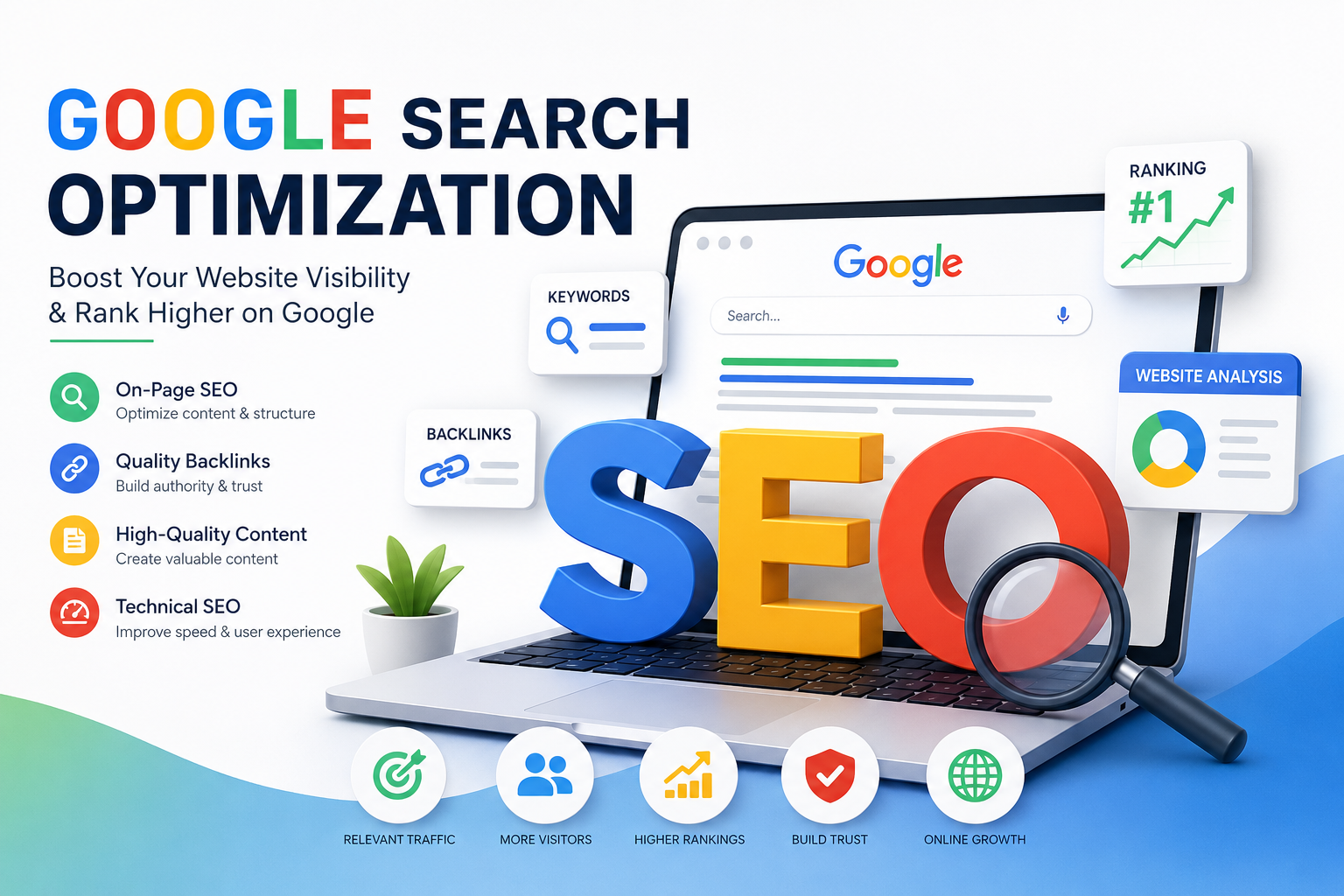
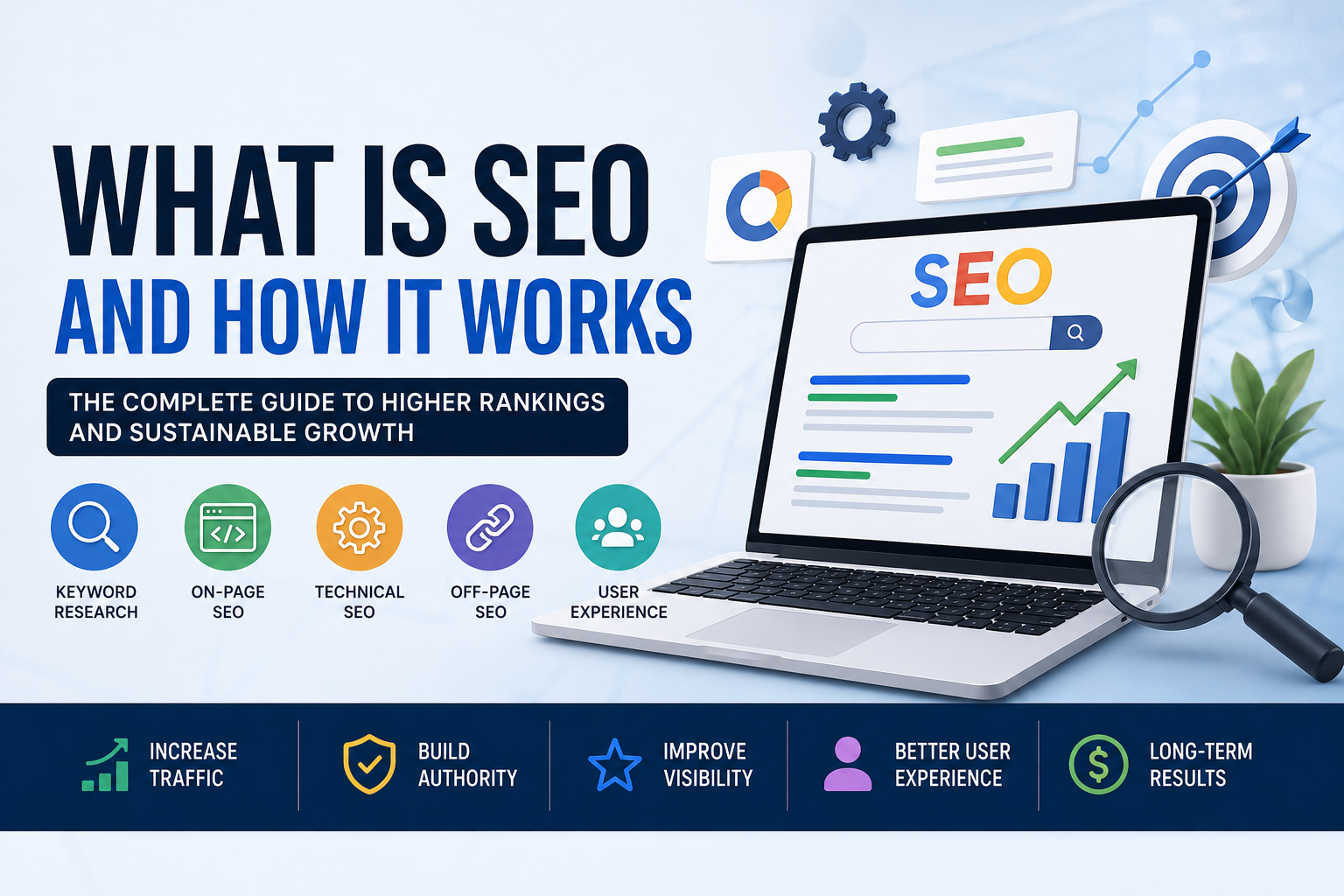
A professional website serves as the digital storefront for many small businesses, and its discoverability is paramount. Search Engine Optimization (SEO) is the process of improving a website’s visibility on search engines like Google. Specific marketing tools for small business operations are designed to enhance online visibility, ensuring potential customers can find the business when searching for relevant products or services.
Optimizing for Search Engine Rankings
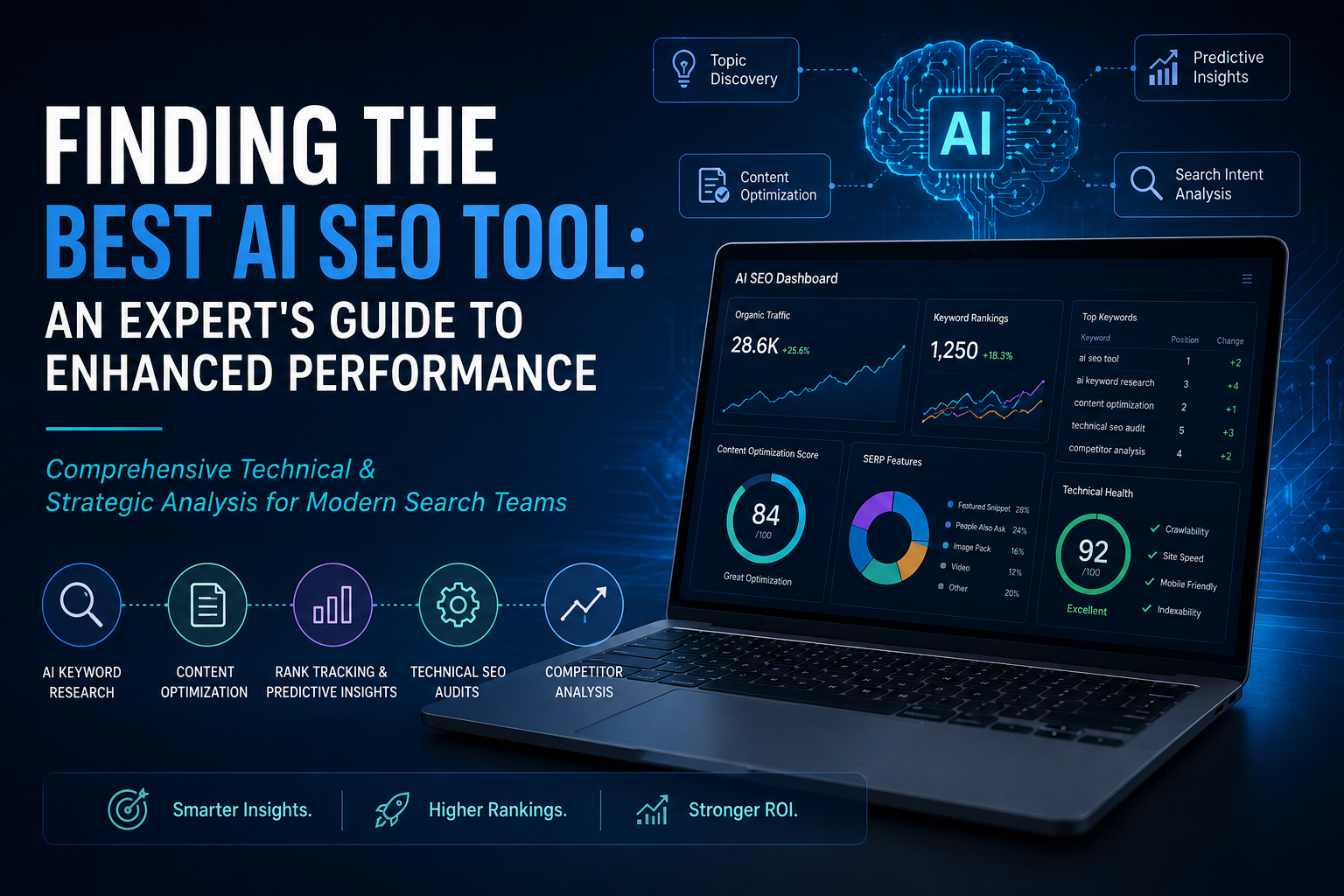
SEO tools assist marketing Tools for Small Business with crucial tasks such as keyword research, identifying terms and phrases potential customers use. They also help with on-page optimization, suggesting improvements to website content, meta descriptions, and headings to align with search engine algorithms. Technical SEO features within these tools can identify issues like broken links, slow page loading times, and mobile unfriendliness, all of which impact search engine rankings. By addressing these factors, small businesses can significantly improve their position in search results, driving more organic traffic to their sites.
Essential SEO Tools Breakdown
- Google Search Console (Free): Monitors indexation, organic query performance, technical crawl errors, and Core Web Vitals directly from Google.
- Ahrefs / Semrush (Paid / Freemium Options): Provides comprehensive keyword discovery, backlink profile analysis, competitive intelligence, and gap tracking.
- Screaming Frog SEO Spider (Free up to 500 URLs): Crawls sites to spot broken links, duplicate metadata, missing alt tags, and redirect loops.
- Google Business Profile (Free): Vital for local search visibility, Google Maps placement, operating hours, and verified customer review collection.
Creating and Managing a Professional Web Presence
For businesses without dedicated web development teams, website builders and Content Management Systems (CMS) are invaluable marketing tools for small business. Platforms like WordPress, Shopify, or Squarespace offer user-friendly interfaces and templates that enable businesses to create and maintain a professional online storefront or an informative hub without extensive coding knowledge. These tools often include e-commerce functionalities, blogging capabilities, and integration options for other marketing services, providing a comprehensive solution for managing an effective digital presence.
Conversion Rate Optimization (CRO) & User Experience Tools
Getting traffic to a website is only half the battle; converting visitors into paying customers requires optimizing the user journey. Small businesses can deploy:
- Microsoft Clarity / Hotjar: Free or budget-friendly heatmaps and session recordings that reveal where visitors get stuck or abandon pages.
- Google Optimize Alternatives (e.g., VWO Starter): Simple A/B testing platforms to compare headline variants, call-to-action buttons, and form placements.
Managing Customer Journeys with CRM Solutions
Customer Relationship Management (CRM) systems are vital marketing tools for small business to organize customer data, track interactions, and improve sales processes. A CRM centralizes all customer-related information, providing a unified view that helps businesses understand their clients better and serve them more effectively.
Tracking Leads and Customer Interactions
A CRM system allows small businesses to meticulously track every interaction with a lead or customer, from the initial contact through to purchase history and post-sale support. This includes recording phone calls, emails, meeting notes, and website visits. By centralizing this information, sales teams can quickly access relevant data, personalize their approach, and ensure no lead falls through the cracks. It provides a holistic view of each customer’s journey, making it easier to identify where they are in the sales funnel.
Fostering Customer Loyalty and Retention
Beyond sales, CRM data is instrumental in building and maintaining customer loyalty. Marketing tool for Small businesses can use CRM insights to personalize customer service, anticipate needs, and offer targeted promotions or support. Identifying patterns in purchase behavior or service requests allows for proactive engagement, leading to higher customer satisfaction and retention. A well-implemented CRM helps transform one-time buyers into loyal, repeat customers, which is crucial for long-term business growth.
CRM Implementation Matrix
| CRM Tool | Best Fit | Automation Capabilities | Free Tier Scope |
| HubSpot CRM | Inbound marketing & scaling teams | Robust pipeline tracking, form capture, contact activity logs | Generous free core tier with contact management |
| Zoho CRM | Cost-conscious growing businesses | Multichannel communication, custom workflows, reporting | Free for up to 3 users with essential lead routing |
| Pipedrive | Sales-focused, pipeline-driven teams | Activity scheduling, visual deal stages, lead scoring | 14-day trial with tiered paid plans |
Measuring Performance with Analytics and Reporting Tools
Data-driven decision-making is fundamental to effective marketing. Analytics and reporting marketing tools for small business provide critical insights into campaign effectiveness and audience behavior, allowing businesses to understand what works and what doesn’t.
Understanding Website and Campaign Performance
Tools like Google Analytics track website traffic, user behavior, and conversion rates, offering a detailed picture of how visitors interact with a site. Beyond website data, many marketing platforms include built-in analytics for specific campaigns, such as email open rates, social media engagement, and ad click-through rates. These metrics help small businesses understand the reach and impact of their marketing efforts, identifying successful strategies and areas needing improvement.
Making Data-Driven Strategic Adjustments
The insights gained from analytics are invaluable for optimizing marketing spend and refining strategies. By understanding which channels deliver the best return on investment (ROI) or which content resonates most with their audience, small businesses can allocate resources more effectively. This iterative process of analysis and adjustment ensures that marketing efforts are continuously improved, leading to better targeting, increased efficiency, and ultimately, stronger business outcomes.
Connecting Your Stack: Workflow Automation & Integration
Tools yield maximum value when they communicate seamlessly without manual data entry. Integrating disparate software prevents data silos and speeds up execution:
- Zapier / Make: Connect lead forms directly to your CRM, trigger welcome emails automatically upon new purchases, and send instant Slack or SMS alerts to sales reps.
- Looker Studio (Free): Pulls live data from Google Analytics 4, Google Search Console, and social ad channels into a single visual dashboard for client or executive review.
Recommended $0–$100 Starter Marketing Stacks
- The Local Service Stack ($0/month baseline):
Presence & SEO: Google Business Profile + WordPress with Yoast SEO
• Communication: MailerLite Free tier (up to 1,000 subscribers)
• Customer Management: HubSpot CRM Free
• Design & Social: Canva Free + Buffer Free - The E-Commerce Starter Stack (~$50–$100/month):
Storefront: Shopify Basic
• Email & Automation: Klaviyo / Brevo integrated with Shopify
• Analytics & CRO: Google Analytics 4 + Microsoft Clarity
• Automation: Zapier Starter for abandoned cart alerts and inventory notifications
FAQ: Common Questions About Marketing Tools for Small Business
What are the most affordable marketing tools for small business?
Many effective marketing tools for small business are available at low cost or even for free, making them accessible for startups and budget-conscious entrepreneurs. Examples include:
• Email Marketing: Mailchimp (free tier for up to 500 contacts), MailerLite (free for up to 1,000 subscribers).
• Social Media Management: Hootsuite (free plan for limited accounts), Buffer (free plan for limited posts).
• Website & SEO: Google My Business (free local listing), Google Analytics (free website insights), WordPress.com (free basic website hosting), Yoast SEO (free WordPress plugin).
• Design: Canva (free version for graphic design).
• CRM: HubSpot CRM (free basic features).
Note on Tool Updates: Google My Business has been updated to Google Business Profile, offering streamlined management directly from search and maps. Hootsuite’s free tier has largely transitioned to trial and paid options, making tools like Buffer or Metricool popular ongoing alternatives for budget-focused scheduling.
How do I choose the right marketing tools for my small business?
Selecting the appropriate marketing tools for small business requires careful consideration of several factors:
1. Assess Your Needs: Clearly define your marketing goals (e.g., lead generation, brand awareness, customer retention).
2. Budget: Determine how much you can realistically spend. Many tools offer tiered pricing, allowing you to scale up as your business grows.
3. Ease of Use: Prioritize tools with intuitive interfaces that don’t require extensive technical expertise.
4. Scalability: Choose tools that can grow with your business, offering more advanced features as your needs evolve.
5. Integration: Look for tools that integrate well with your existing systems (e.g., your website, e-commerce platform, or other marketing tools) to create a seamless workflow.
6. Support: Consider the level of customer support offered, especially if you anticipate needing assistance.
Can free marketing tools be effective for small businesses?
Absolutely. Many free marketing tools for small business offer robust features that are highly effective for startups and businesses with limited budgets. For instance, Google My Business is crucial for local SEO, and the free tiers of marketing Tools for Small Business platforms can manage significant subscriber lists. While free versions often come with limitations (e.g., fewer features, branding, or contact limits), they provide an excellent starting point to test strategies and build a foundation before investing in paid subscriptions. The key is to understand their capabilities and limitations and use them strategically to meet your specific marketing objectives.
What are the hidden costs of relying on free tools?
While free tiers minimize upfront capital, small businesses must account for indirect costs:
- Data Lock-In & Migration Overhead: Transferring customer histories or custom templates from a basic tool to an enterprise system can require billable developer hours.
- Branding Footprints: Free tiers often display third-party watermarks or logos on emails and forms, which may affect perceived brand authority.
- Feature Paywalls: Crucial capabilities like multi-step automation, dynamic segmentation, and priority customer support are typically locked behind paid upgrades.
How long does it take to see a measurable return on investment (ROI) from these tools?
ROI timelines vary significantly by tool category:
- Email Marketing & CRM: Direct revenue impacts and lead response improvements can be realized within 30 to 60 days of setting up automations.
- Social Media Management: Consistency improvements occur immediately, while organic community growth typically requires 3 to 6 months of steady output.
- SEO & Content Tools: Compounding organic search gains generally require 4 to 9 months as search engines crawl, index, and evaluate content authority.
Empowering Your marketing tool for Small Business with the Right Marketing Tools
The strategic adoption of appropriate marketing tools for small business operations is a transformative step toward achieving sustainable growth and efficiency. From streamlining customer communication with email platforms to amplifying brand reach through social media, enhancing online visibility with SEO, managing customer relationships with CRM, and making data-driven decisions with analytics, each category of tools plays a critical role. Thoughtful selection, consistent implementation, and ongoing optimization of these digital assets can significantly impact a small business’s ability to compete, connect with its audience, and ultimately, succeed in a dynamic marketplace.
Tool Stack Implementation Checklist
- [ ] Audit Current Workflows: Identify manual bottlenecks across email, social, and lead management.
- [ ] Verify Authentication: Configure SPF, DKIM, and DMARC records on your domain for email deliverability.
- [ ] Claim Local Assets: Verify and complete your Google Business Profile with accurate hours and photos.
- [ ] Install Analytics & Web Tracking: Connect Google Analytics 4 and a heatmapping tool (e.g., Microsoft Clarity).
- [ ] Build One Core Automation: Launch an automated 3-part welcome email sequence for new contacts.
- [ ] Connect Key Systems: Automate data handoffs between your web forms, CRM, and communication tools using native integrations or Zapier.